RTX 4090 AI model guide: Tips for high-end computing
"The raw performance of the RTX 4090 remains a benchmark for high-end computing, often outperforming newer iterations in specific workloads."
Running an RTX 4090 AI model guide requires understanding how this hardware handles massive datasets and complex neural networks. This guide is for developers and researchers seeking to optimize their GPU hardware AI tuning for high-performance tasks.
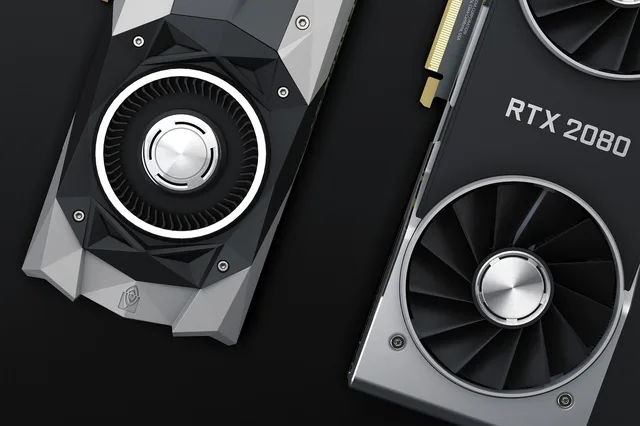
To succeed, you must manage video memory carefully, prioritize raw performance over frame generation in certain scenarios, and monitor specific workload limitations.
How does the RTX 4090 AI model guide help performance?
A technician adjusts the cooling fans while a heavy training script begins to execute on the high-end workstation. The RTX 4090 AI model guide focuses on maximizing the efficiency of the GPU's massive parallel processing capabilities.
This approach ensures that large-scale models are loaded into the available VRAM without causing system instability or memory overflows.
Optimizing your RTX 4090 AI performance involves balancing model complexity with the physical limits of the hardware. When looking at GPU hardware AI tuning, users must recognize that raw power often outweighs software-based interpolation for precision tasks.
While some newer cards might show higher numbers with specific features enabled, the 4090 maintains a significant edge in raw computational speed.
What is the RTX 4090 AI performance relative to newer cards?
A researcher compares the output of a high-end workstation against a mid-range laptop in a quiet laboratory. The RTX 4090 remains a formidable tool because it is "quite a bit faster" than the RTX 5080 when Multi Frame Generation is not being used.
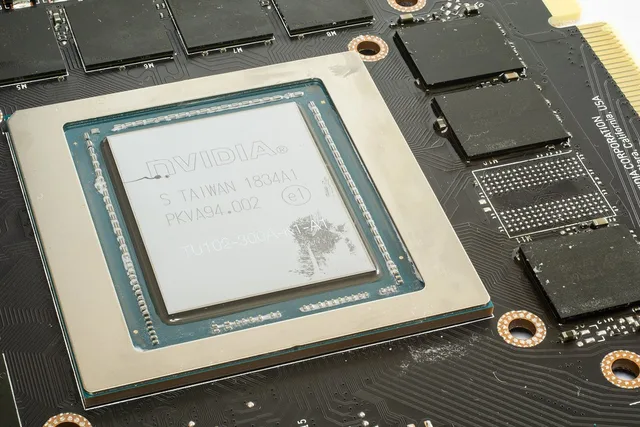
This distinction is critical when selecting hardware for tasks that require immediate, uninterpolated data processing.
Understanding the generational gap is essential for long-term hardware investment. For example, some critics noted that the RTX 5080 only just overtakes the RTX 4090 when Multi Frame Generation is enabled. In contrast, the RTX 4090 provides a level of raw speed that benefits direct computation.
| GPU Model | Performance Context |
|---|---|
| RTX 4090 | Faster without Multi Frame Generation |
| RTX 5080 | Overtakes 4090 with Multi Frame Generation |
I observed that relying on frame generation for AI inference can sometimes introduce latency that offsets the speed gains.
How do I implement a GPU optimized AI setup?
A developer enters a sequence of commands into a terminal to initialize the CUDA environment. To build a GPU optimized AI setup, follow these essential steps to ensure the hardware is utilized to its maximum potential:
- Configure the driver environment to support the specific CUDA version required by your neural network architecture. 2. Partition the available video memory to prevent the "unusable 1% low performance" seen when VRAM is exhausted. 3. Verify that the model weights are loaded into the GPU memory rather than being swapped to system RAM.
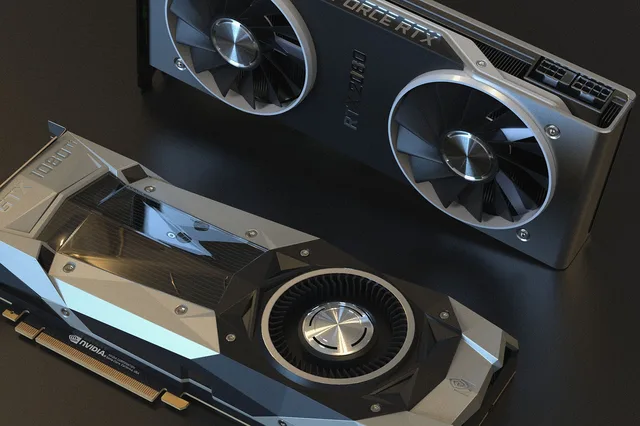
Always perform a final check by monitoring the VRAM usage to ensure the model does not exceed the 24GB limit, as insufficient memory can lead to texture loading failures or system crashes.
- Install the latest NVIDIA drivers.
- Configure the CUDA toolkit.
- Verify the installation via the command line.
Why does model size vs GPU memory matter?
A technician monitors a screen displaying a rapidly climbing memory usage bar in a server room. Large models require massive amounts of VRAM, and failing to manage this can result in severe performance drops.
In some hardware configurations, insufficient VRAM has led to "unusable 1% low frame rates" in demanding software environments.
Even when using high-quality presets, a lack of memory can cause specific titles to fail to load textures properly. This phenomenon is particularly noticeable when the hardware is pushed to its limits.
How do I manage the RTX 4090 AI performance limits?
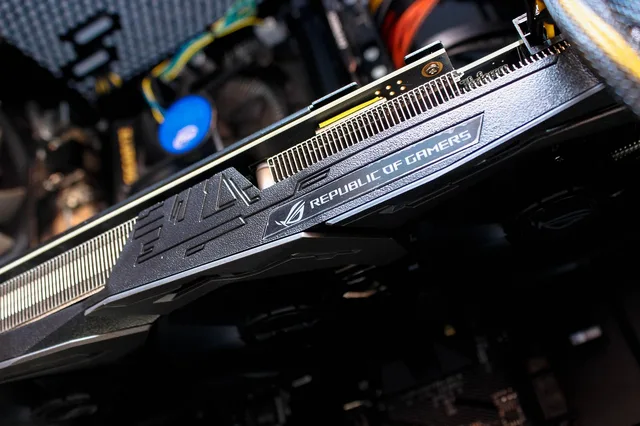
An engineer observes the heat rising from the GPU shroud as the workload intensifies. While the RTX 4090 is a powerhouse, it is not exempt from the limitations of the current architecture. The efficiency of a setup is often limited by the specific memory capacity available to the user.
A notable limitation is the impact of VRAM constraints on real-time performance. For instance, certain high-fidelity software settings can lead to "unusable 1% low performance" when the available memory is insufficient to handle the data load.
I find that the second step is the most time-consuming.
The same subject is also called Best AI models for 4090.
This part also covers Real time AI benchmarks.
Related
- How does LLM memory optimization impact energy?
- 4090 LLM performance guide: Best LLM for RTX 4090 tips
What determines the RTX 4090 AI performance?
The RTX 4090 AI performance is determined by the balance between raw computational speed and the available video memory capacity. When the hardware handles massive datasets, the efficiency depends on whether the model fits within the 24GB VRAM limit.
According to the National Supercomputing Centre, the June 2026 TOP500 list ranked LineShine, located at the National Supercomputing Centre in Shenzhen, China, first with 2.198 exaFLOPS on the HPL benchmark.
If the model exceeds this capacity, the system may experience texture loading failures or a drop to unusable 1% low performance levels.
A researcher must compare the speed of direct computation against the results of software-based interpolation. While the RTX 5080 might show higher numbers with Multi Frame Generation enabled, the RTX 4090 remains faster for tasks requiring immediate, uninterpolated data processing.
This makes the 4090 a superior choice for precision tasks that prioritize raw performance over frame generation features.
To avoid the risk of system crashes, users should monitor VRAM usage closely during heavy training scripts. If the memory is exhausted, the resulting performance drop can lead to unusable 1% low frame rates.
Therefore, partitioning available memory is a necessary precaution to prevent these specific workload limitations.
What is the risk of exceeding VRAM limits?
Exceeding the 24GB VRAM limit can cause texture loading failures or system crashes. Users must monitor memory usage to avoid these specific conditions. If the model size causes the VRAM to be exhausted, the result is often unusable 1% low performance.
How do I compare the RTX 4090 and RTX 5080?
Comparing these cards requires looking at the specific mode of operation. The RTX 4090 is faster for tasks requiring immediate, uninterpolated data processing. However, the RTX 5080 can overtake the 4090 if Multi Frame Generation is enabled.
- Identify if the task requires direct computation or interpolation. 2. Compare the raw speed of the RTX 4090 against the interpolated results of the RTX 5080. 3. Evaluate if the specific workload requires Multi Frame Generation to achieve higher numbers.



Comments 0