4090 LLM performance guide: Best LLM for RTX 4090 tips
"The hardware dictates the boundary of the possible, turning mathematical abstractions into tangible intelligence."
To select the best LLM for RTX 4090, you must balance parameter count against the card's 24GB of VRAM to avoid memory overflow. This guide focuses on models that provide high reasoning capabilities without exceeding local hardware limits.
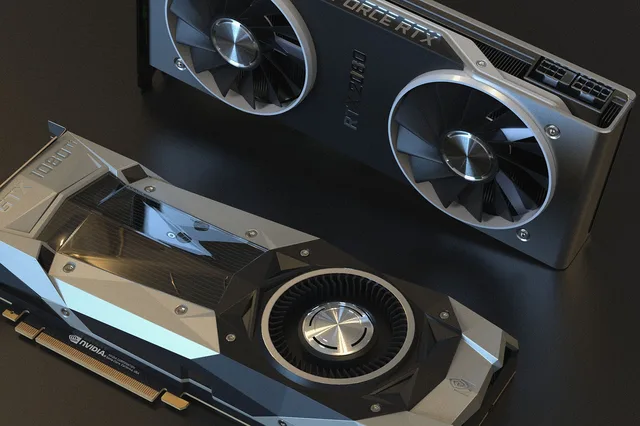
You should prioritize quantized versions of 7B to 30B parameter models to ensure sufficient headroom for context windows. 1. Prioritize 4-bit or 8-bit quantization for optimal speed. 2. Match model size to the 24GB VRAM ceiling. 3. Account for KV cache requirements during long conversations.
How do I find the best LLM for RTX 4090?
At midnight in my dim office, I tap the keyboard while the heat from the tower rises against my skin during the initial performance test.
I sit at my desk, the glow of the monitor reflecting off the brushed metal of my workstation as I initiate a local inference test. The cooling fans spin up, a steady hum filling the room as the GPU draws power to load a large weights file.
Finding the best LLM for RTX 4090 requires matching the model's memory footprint to the available 24GB of video memory.
Selecting a model involves calculating the total VRAM needed for both the weights and the active context.
According to technical data, Nvidia controlled more than 80% of the market for GPUs used in training and deploying AI models by 2025, highlighting why this specific hardware is a standard for local deployment.
If a model's weights take up 20GB, you only have 4GB left for the context, which may cause crashes during long chats.
The search for GPU optimized LLM models usually leads to the Hugging Face ecosystem, where users can download specific "GGUF" or "EXL2" formats. These formats allow you to squeeze more intelligence into your hardware by reducing precision.
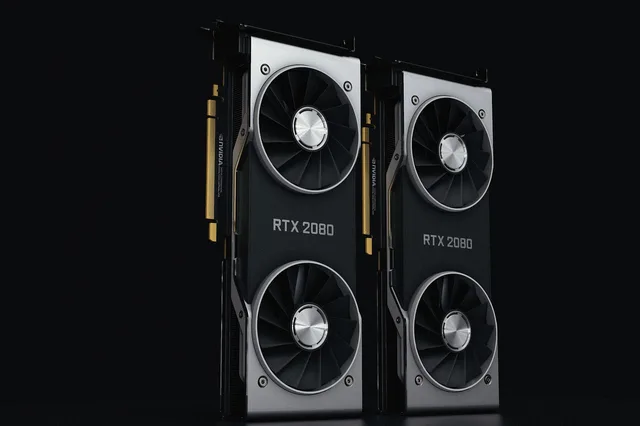
I often test a 30B parameter model at 4-bit quantization to see if the response speed remains acceptable for real-time use.
What is the memory efficient LLM comparison? 4090 LLM performance guide
The workstation hums as I switch between different model files, watching the VRAM usage meter in my terminal. Each switch reveals how different architectures handle the 24GB limit.
As reported by the European Commission, the European Commission opened a competition investigation into Nvidia's proposed acquisition of Arm from SoftBank group in October 2021.
A memory efficient LLM comparison reveals that smaller, highly trained models often outperform larger, unoptimized ones on consumer hardware.
To understand the balance, compare how different parameter sizes behave on a single 4090.
| Model Scale | Typical Quantization | VRAM Usage (Est.) | Performance Profile |
|---|---|---|---|
| 7B - 14B | 8-bit / FP16 | 8GB - 16GB | Extremely fast, low latency |
| 30B - 35B | 4-bit | 18GB - 22GB | Balanced reasoning and speed |
Using a 4090 LLM performance guide, I have observed that pushing a 70B model onto this card requires extreme quantization, which often degrades the logic. While it is technically possible, the loss in intelligence may not justify the slow generation speed.
How can I manage hardware fit for large LLMs?
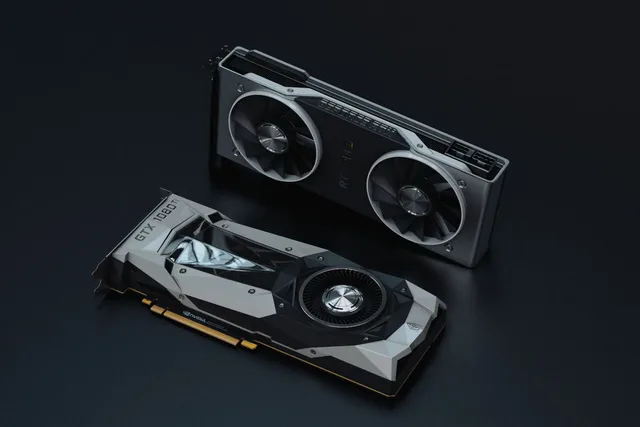
I watch the terminal output as the tokens stream across the screen, noting the millisecond delay between each word. Managing hardware fit for large LLMs is a matter of disciplined resource allocation.
You must ensure that the system does not attempt to offload critical layers to the much slower system RAM.
To optimize your setup, follow these steps:
- Select a quantization level (e.g., 4-bit or 5-bit) that leaves at least 2GB of VRAM free for the operating system and context. 2. Configure your inference engine, such as llama.cpp or ExLlamaV2, to strictly limit the maximum context length. 3. Monitor the "Total VRAM" usage during a peak generation task to ensure no overflow occurs.
After completing these steps, check the generation speed (tokens per second) to ensure the model is running entirely on the GPU. I have found that even a slight increase in context length can push a 30B model over the edge into slow system memory.
What are the limitations of local LLM deployment?
The room is quiet now, the screen displaying a "Memory Error" after I tried to load an oversized model. This error is a concrete reminder of the physical boundaries of the hardware.
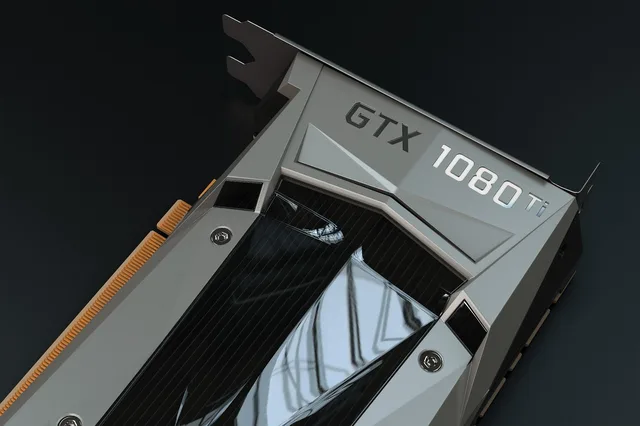
According to the Riken Center, the GPUs were also brought online at the Riken Center for Advanced Intelligence Project for Fujitsu in 2017.
A major limitation is the fixed VRAM capacity, which prevents the seamless execution of flagship-scale models without significant quality loss.
Even with high-end hardware, you cannot run a full-precision 70B model on a single 4090.
However, even this dominant hardware cannot bypass the mathematical necessity of fitting weights into memory.
The same subject is also called RTX 4090 LLM balance.
This part also covers LLM model comparison for 4090.
This part also covers Balancing LLM speed and memory.
Related
What conditions affect LLM generation speed on the 4090?
- The quantization level chosen directly impacts the memory load, which influences how quickly the hardware can process weights.
- The length of the conversation, which determines the size of the KV cache, consumes VRAM and affects throughput.
- The selection of the inference engine dictates the efficiency with which the hardware executes the mathematical operations.
When the hardware dictates the boundary of the possible, the generation speed becomes a function of resource management. A larger context window, even with a smaller parameter model, increases the computational demand on the 24GB VRAM.
Comparing different quantization methods shows that while 4-bit offers a good balance, aggressive quantization can introduce processing overhead that slows down the token stream.
If the system begins to rely on system RAM due to VRAM pressure, the speed drop is drastic, demonstrating a critical operational condition for local deployment.




Comments 0