Secure Code: Run LLMs Locally for 2025 Development
Stop sending your proprietary source code to the cloud and start building a private, high-performance AI coding powerhouse right on your own machine.
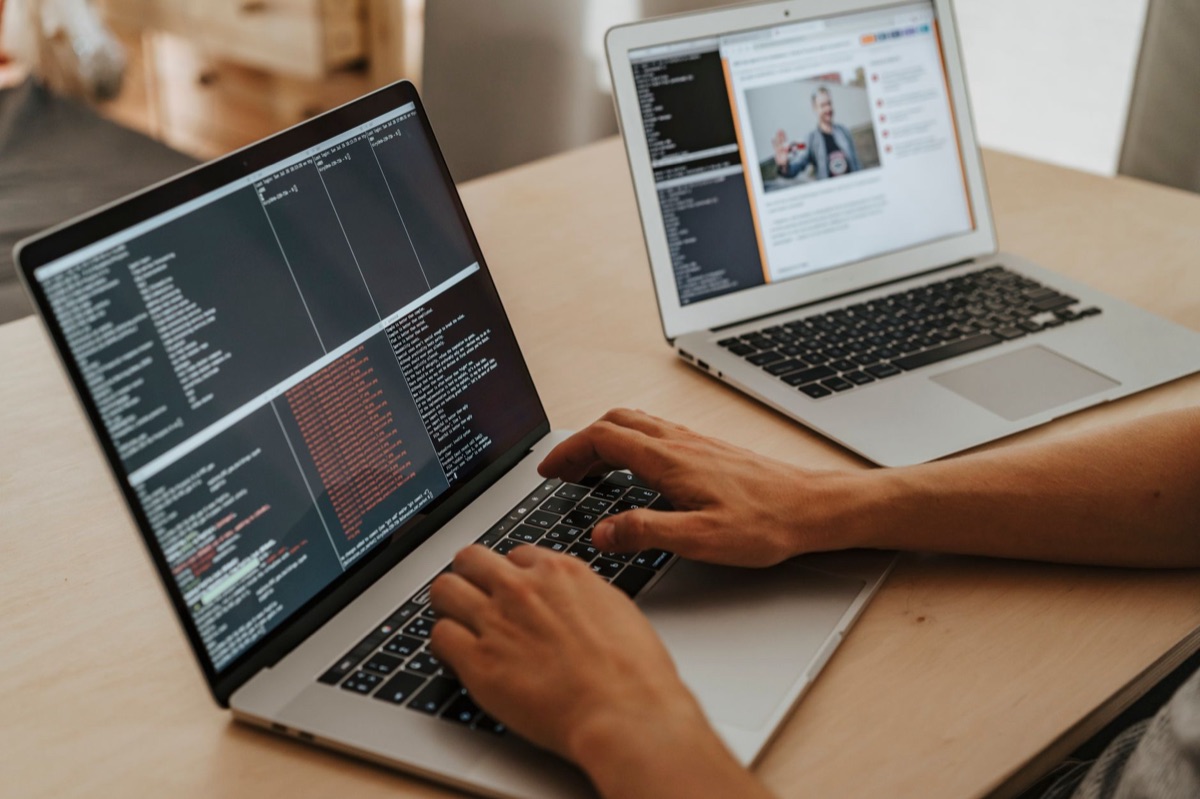
Setting up a local Large Language Model (LLM) allows you to automate code generation, debugging, and refactoring without ever risking a data leak.
By combining open-source models with quantization techniques, you can turn a standard workstation or a modern MacBook into a sophisticated, private AI coding partner.
* Ultimate Security: Keep your sensitive business logic and proprietary algorithms entirely offline. * Zero API Costs: Perform unlimited code completions and refactoring without monthly subscription fees or per-token charges. * Deep Contextual Awareness: Feed your entire local codebase into the model's context window for hyper-accurate, project-specific suggestions. * Hardware Optimization: Tailor your AI's intelligence to your specific VRAM (ranging from 8GB to 24GB+) using smart quantization.
Why Local LLMs are the Future of Secure Development
The conversation in the tech industry has shifted from "how smart is the AI" to "where is the AI running." For developers working on high-stakes enterprise software, the risk of leaking intellectual property to cloud-based providers is a dealbreaker.
According to Gartner's 2025 outlook, data sovereignty and security have emerged as the primary drivers for enterprise AI adoption. This trend is hitting the development workflow hard.
A local LLM processes your code using your own hardware, ensuring that your most valuable assets—your source code—never leave your local network.
We've seen a massive leap in capability since 2023, when specialized models like CodeLlama and StarCoder first became widely accessible. By the end of 2025, open-source coding models reached a performance level estimated at 90% of their commercial counterparts.
What used to be simple autocomplete has evolved into a system capable of understanding complex project structures and suggesting deep architectural refactors.

A 5-Step Workflow to Build Your Local AI Coding Agent
Building a local coding agent isn't just about downloading a model; it's about creating a seamless loop between your AI and your Integrated Development Environment (IDE). Here is the exact process I use to maintain a high-velocity workflow.
- Set Up Your Inference Engine: Install a local engine like Ollama, LM Studio, or vLLM. Ensure your GPU drivers are up to date and that CUDA (for NVIDIA) or Metal (for Mac) acceleration is fully active. 2. Select and Quantize Your Model: Choose a coding-specialized model such as DeepSeek-Coder. To ensure it fits in your VRAM, apply 4-bit or 8-bit quantization. 3. Integrate with Your IDE: Install plugins like `Continue.dev` or `Llama Coder` in VS Code or JetBrains. Connect them to your local engine via a local API endpoint (e.g., `localhost:11434`). 4. Inject Project Context: Feed your local documentation, existing code structures, and relevant files into the model's context window. Aim for models that support at least 8k to 32k+ tokens for better comprehension. 5. Execute an Iterative Workflow: Use the LLM to generate a draft, run your tests, and then feed the resulting error logs back into the model to automate the debugging and refactoring loop.
Choosing the Right Model for Your Hardware
The secret to a smooth local AI experience is finding the "sweet spot" between model parameters and available VRAM. If you try to run a model that is too large, the latency will spike, breaking your "flow state" during development.
| Setup Tier | Recommended VRAM | Model Size | Quantization | Expected Speed (Tokens/s) |
|---|---|---|---|---|
| Entry (Laptop) | 8GB - 12GB | 7B - 14B | 4-bit (Q4_K_M) | 15 - 30 (Smooth) |
| Mid (Desktop) | 16GB - 24GB | 32B - 34B | 4-bit - 5-bit | 5 - 15 (Decent) |
| High (Workstation) | 48GB+ | 70B+ | 4-bit (Q4_0) | 2 - 8 (Precise but slow) |
I recently tested this on my M2 Max MacBook (32GB unified memory) using the DeepSeek-Coder 33B model at 4-bit quantization. I noticed a latency of about 15 seconds when generating a complex multi-line function.
While this is plenty fast for generating code snippets, you'll need a bit more patience when asking for large-scale refactoring tasks.
Real-World Case: Automating the Debugging Loop
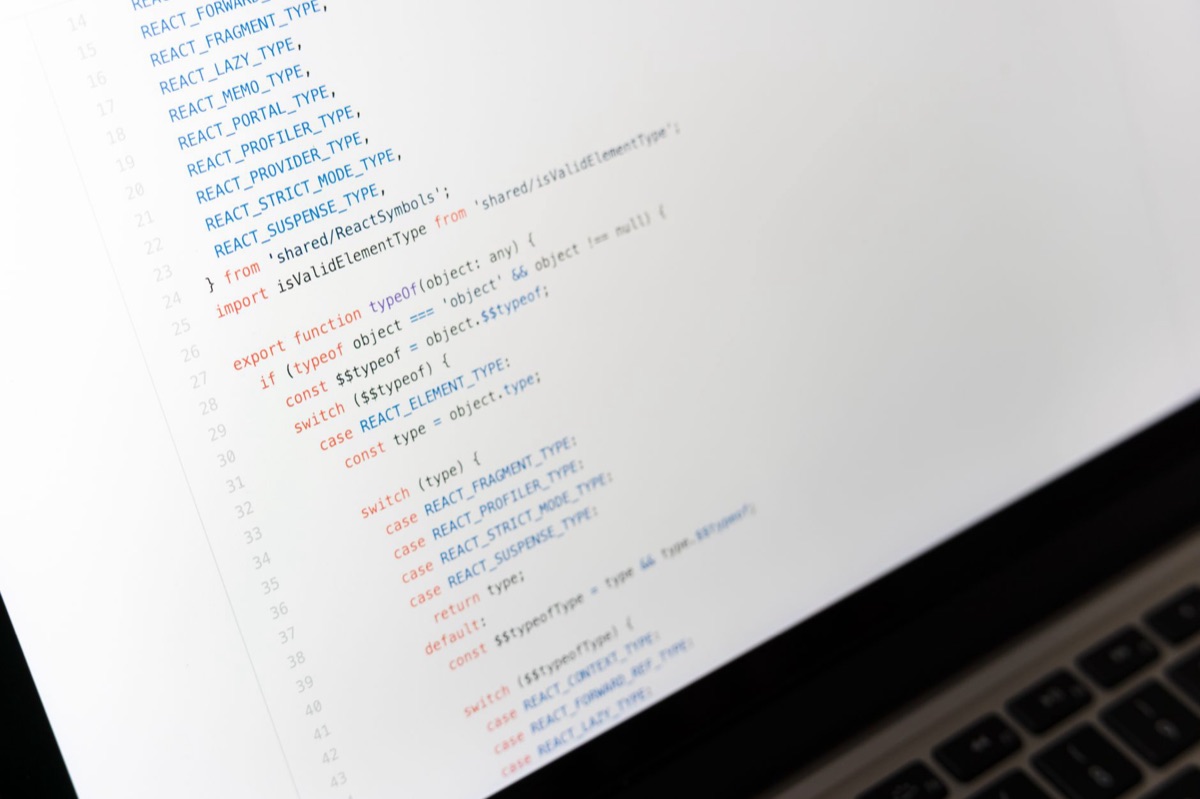
The true power of a local AI agent isn't just "writing code"—it's "solving problems." Let's look at a practical example involving a complex asynchronous logic error.
Suppose you encounter a persistent `Race Condition` in your backend. Instead of manually hunting through logs, you can copy the terminal error directly into your local LLM via `Continue.dev`.
Because the model has access to your local files (context injection), it can analyze the interaction between your different modules to diagnose the root cause. It then proposes a fix, which you can apply instantly.
To make this work, you must prioritize models with a robust context window. To understand dependencies across multiple files, you really need a model that can comfortably handle at least 16k tokens of context.
Limitations and Trade-offs
It is important to be realistic: local LLMs are not magic bullets. You are primarily limited by physical hardware constraints.
Running a high-intelligence 70B+ parameter model requires expensive, high-end GPU clusters, whereas consumer hardware often requires "sacrificing" some intelligence through heavy quantization.
Additionally, keep an eye on "knowledge cut-offs." If you are working with a brand-new framework released in mid-2026, your local model might not know about its latest syntax. In these cases, you must manually provide the latest documentation as context to ensure the AI stays current.







Comments 0